

Balizar
New in Balizar Plus

Your transactions come in on their own. You just check them.

Import your bank statement or let Balizar read the purchase and transfer notifications on your phone. Every transaction becomes a suggestion with its name, value, date and category — just review and accept.

Coming soon onGoogle Play
Coming soon onApp Store
See plans
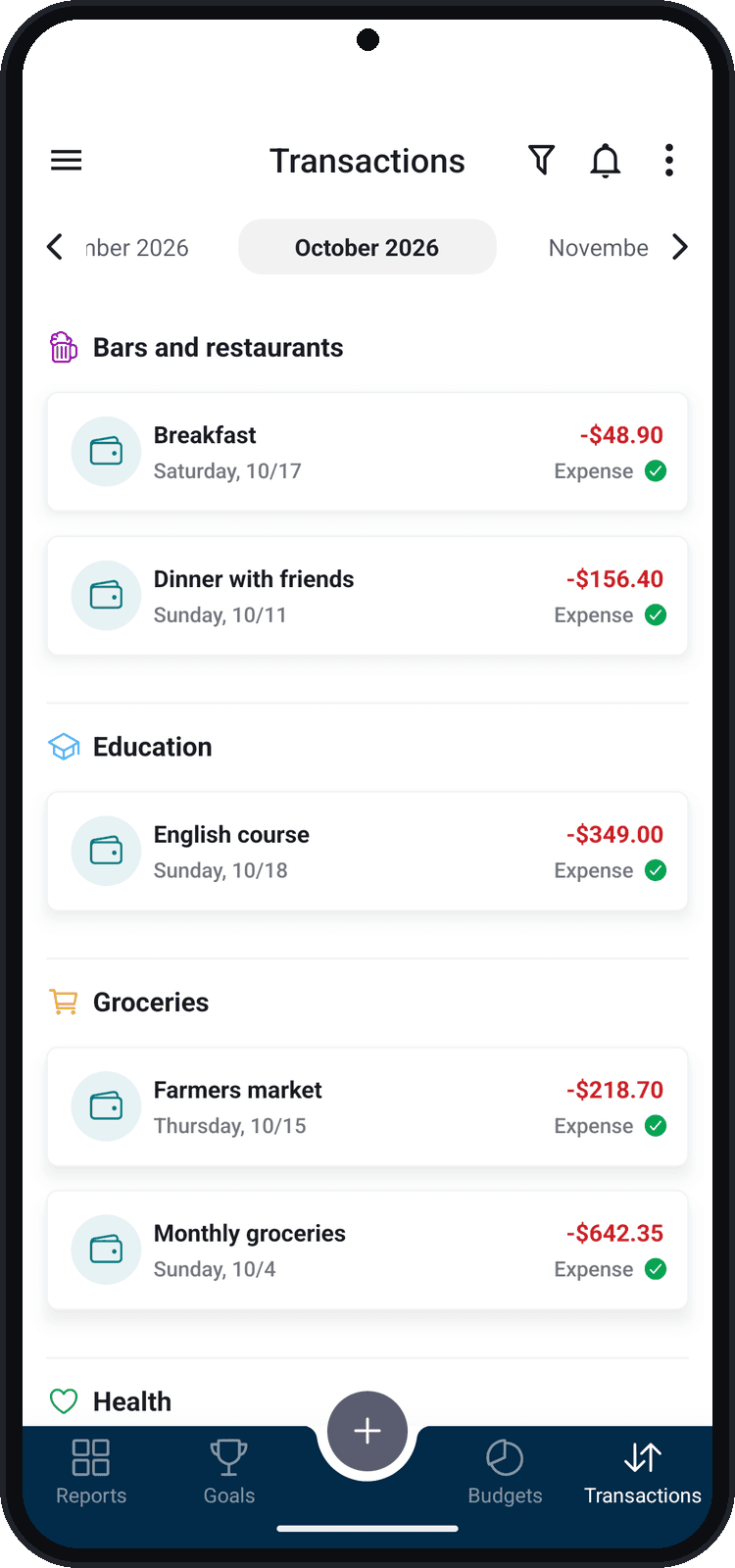
Balizar transactions screen

Tracking spending should not be this much work

Two ways to bring in your transactions

Use one, the other or both — Balizar puts it all together without repeats.

In the app (Android and iPhone) and on the web

Statement import

Export your account statement or card bill from your bank’s app or website and import the file into Balizar. Hundreds of transactions in seconds.

  1. 1Export the statement or bill as OFX or CSV from your bank.
  2. 2In Balizar, open Import transactions and tap Import statement.
  3. 3Choose the wallet or credit card and the file.
  4. 4Review the suggestions and tap Accept.
In the Android app

Suggestions from bank notifications

Paid with your card, sent or received a transfer? Your bank’s notification becomes a suggestion waiting for you in Balizar, without opening the bank app or typing anything.

  1. 1In Import transactions, tap Bank notifications.
  2. 2Allow notification access in the Android settings.
  3. 3Use your bank as usual: purchases, transfers and payments become suggestions.
  4. 4Open Balizar, check them and accept the ones you want.

Smart, but you decide

Nothing reaches your balance, budgets or reports without your review.

Works with your bank

Statements: any bank that exports OFX or CSV. Notifications: the main bank and wallet apps in Brazil, and the list grows with every update.

  • OFX
  • CSV
  • Banco do Brasil
  • Bradesco
  • C6 Bank
  • Caixa
  • Google Wallet
  • Inter
  • Itaú
  • Mercado Pago
  • Nubank
  • PagBank
  • PicPay
  • Santander

CSV files can be in English, Portuguese or Spanish, with date, description and value columns (or credit and debit).

Your privacy comes first

  • You never share your bank password: Balizar does not access your account.
  • The text of the notifications never leaves your phone. Only the value, the date and the merchant are sent to become a suggestion.
  • Only bank app notifications are read — your chats and other apps are left out.
  • You can turn reading off at any time, and what was kept on the phone is deleted.

Frequently asked questions

Do I need to give my bank password?

No. To import, you choose the statement file, and to read notifications Balizar only sees what your bank already shows on your phone. Balizar never accesses your account.

Does it work on iPhone?

Statement import works on iPhone, Android and the web. Reading notifications is Android only, because iOS does not let an app read other apps’ notifications.

Which banks are supported?

For statements, any bank that exports the statement or bill as OFX or CSV — almost all of them do. For notifications, the apps of Nubank, Itaú, Inter, C6 Bank, Banco do Brasil, Bradesco, Caixa, Santander, PicPay, Mercado Pago, PagBank and Google Wallet.

What if I import the same statement twice?

No problem: transactions that were already suggested do not show up again, even when the statement periods overlap.

Do the transactions go straight into my balance?

No. Everything comes in as a suggestion. You check it, change the name, category and wallet if you want, and only what you accept becomes a transaction.

Is it included in Plus?

Yes. Statement import and suggestions from bank notifications are part of Balizar Plus, at no extra cost.

Stop typing. Start tracking.

Download Balizar, subscribe to Plus and import your first statement in under a minute.

Coming soon onGoogle Play
Coming soon onApp Store
See plans