

← All features
Budgets
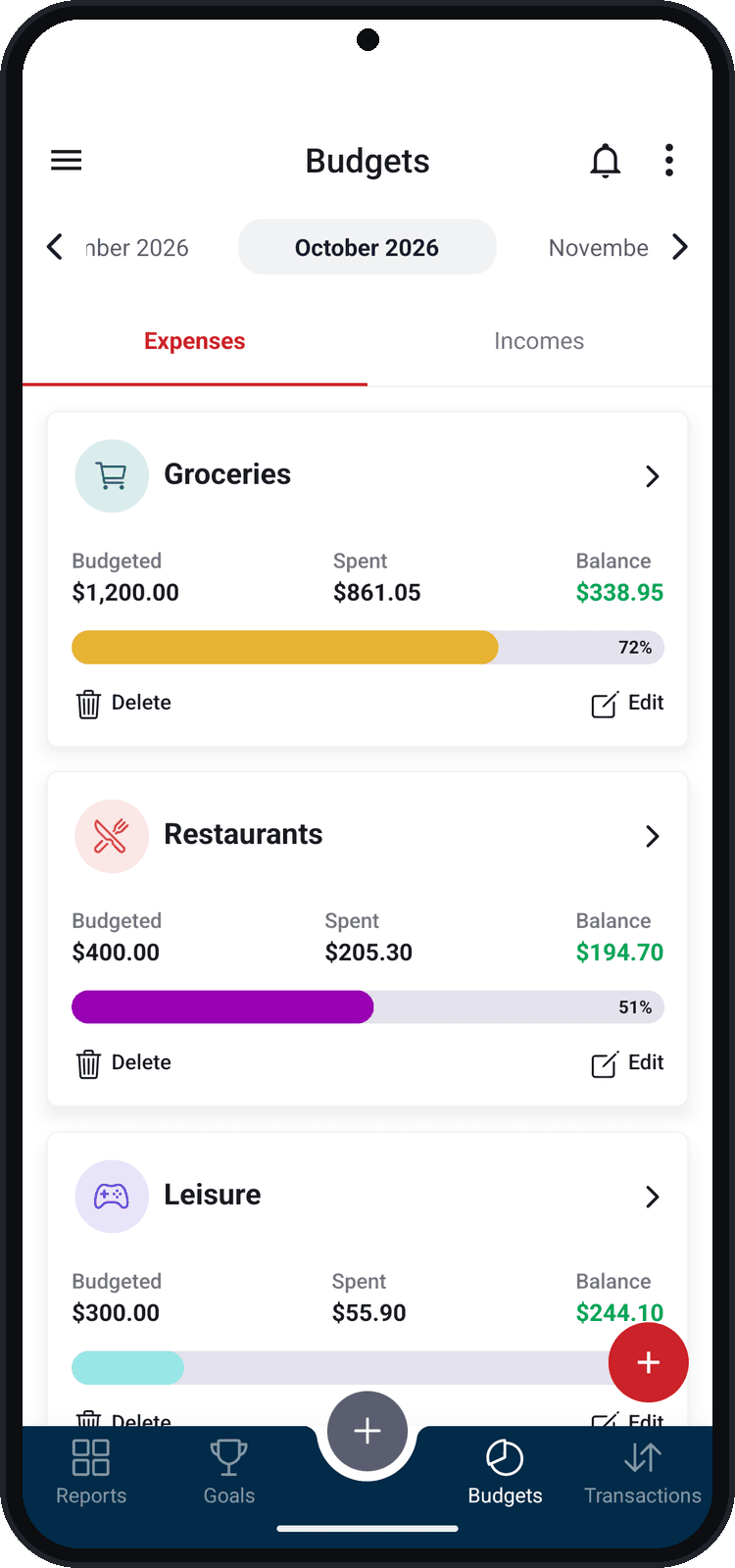
Set how much you want to spend per category and see how much is already used, with an alert when spending gets close to the limit.
What you can do
- Budgeted, spent and balance on every budget, with the percentage used
- Several categories in one budget
- Monthly or custom period
- An alert when it reaches the percentage you choose
- Can be shared: the whole group sees the same number
How to use it
- 1
Open Budgets
In the bottom bar, tap Budgets.
- 2
Create the budget
Tap + and, in New budget, give it a name, enter the amount and choose the categories.
- 3
Choose the period
Monthly or Customized, starting in the month you want.
- 4
Turn on the alert
Turn on “Receive notification” and choose at what percentage of the budget you want to be notified.
Use it as a group
Share goals, budgets and wallets with family, friends, your team or your coworkers — and choose who can edit.