

← All features
Goals
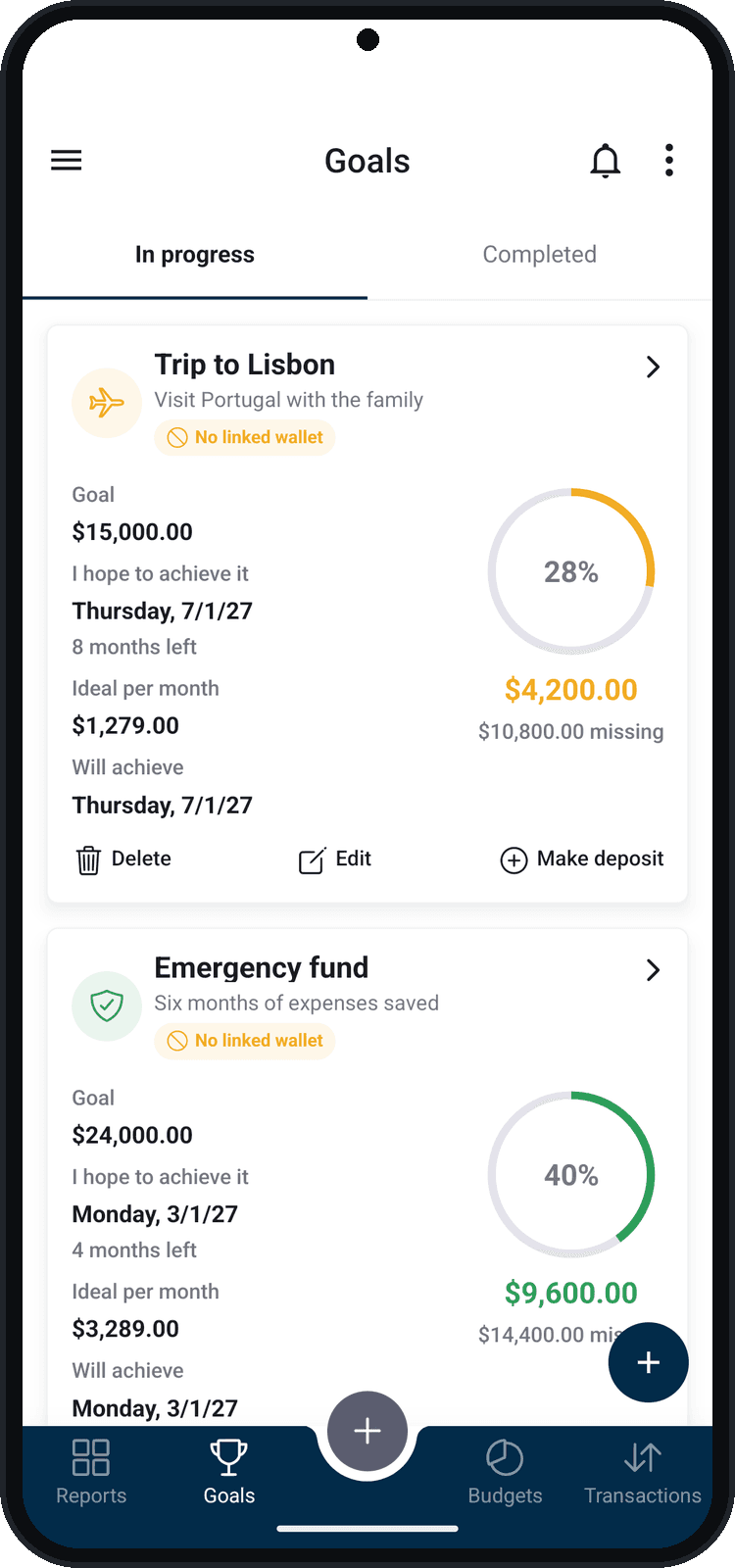
Plan a goal, set the date and see how much is left. Balizar shows how much to save per month to get there on time.
What you can do
- Progress in percent and how much is left
- Ideal per month until the date you chose
- Deposits and withdrawals with a note
- Link the goal to a wallet or share it with the group
How to use it
- 1
Open Goals
In the bottom bar, tap Goals.
- 2
Create the goal
Tap + and, in New goal, enter the name, the goal amount, the date you hope to get there and, if you want, the initial balance and your motivation.
- 3
Link a wallet, if you want
With a linked wallet, every goal movement becomes a transaction in the wallet.
- 4
Record the deposits
Tap Make deposit to record a deposit or a withdrawal, with a date and a note.
Use it as a group
Share goals, budgets and wallets with family, friends, your team or your coworkers — and choose who can edit.