

← All features
Income and expenses
Record what comes in and goes out in seconds and see, at the top of the screen, how much you received, how much you spent and what is left this month.
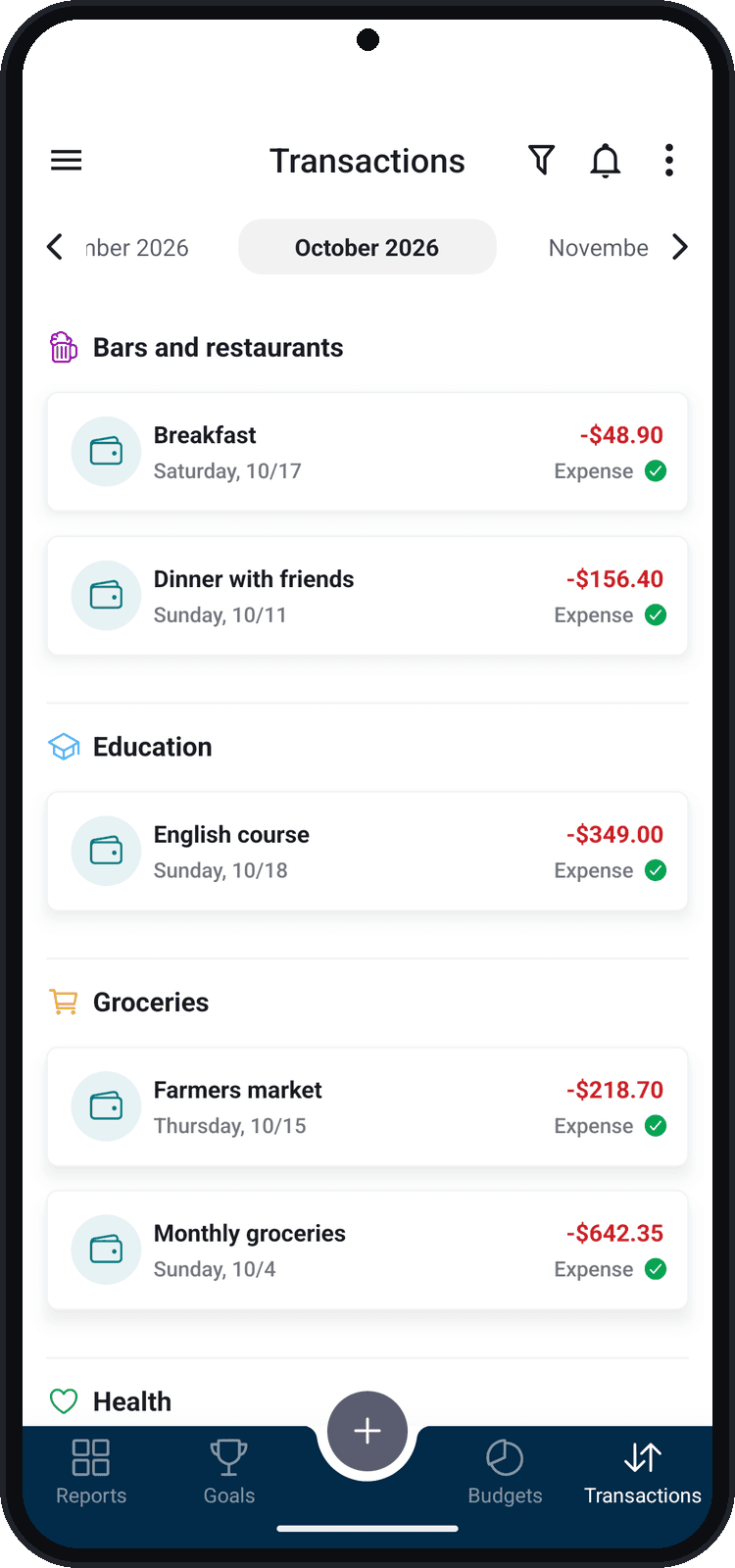
What you can do
- Month's summary: income, expenses, balance and projected balance
- Categories and subcategories on every entry
- Mark entries as paid or received and see what is still pending
- Tags and attachments (PDF or image) to keep receipts
How to use it
- 1
Tap the + button
In the middle of the bottom bar, choose Income, Expense or Transfer.
- 2
Enter the amount
A calculator opens first so you can type the amount.
- 3
Fill in the details
Give it a name and choose the category, the date and the wallet (“Paid with” or “Received with”). For an expense, you can also pick a credit card.
- 4
Confirm
Tap Confirm: the entry shows up in the month's list, grouped by category.