

← All features
Reports
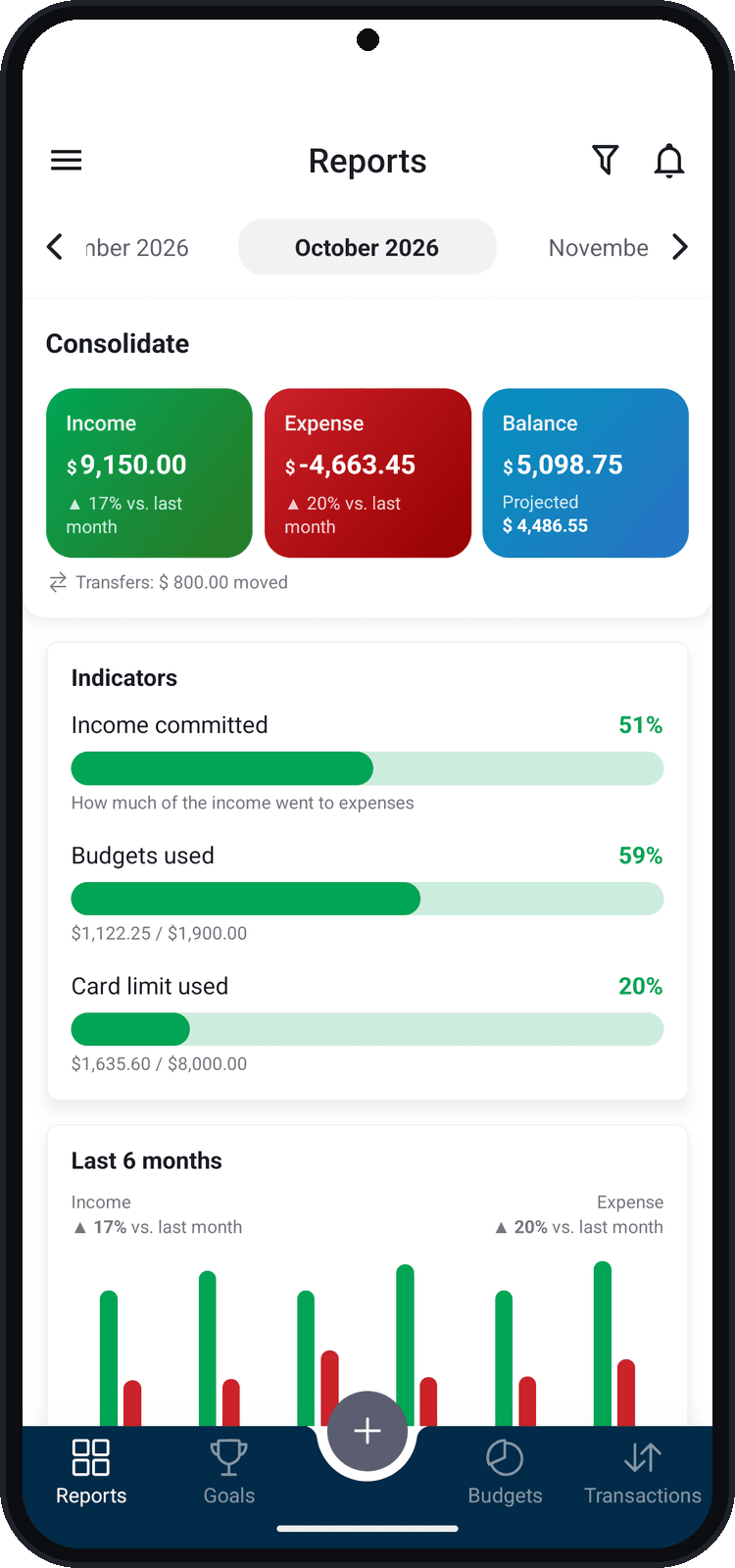
See where your money goes with the month's charts: income vs. expenses, how much has been realized and the weight of each category.
What you can do
- Income and expenses incurred, in percent
- Income vs. expenses chart and the transfers summary
- Income and expenses by category
- Filters by transaction type, wallet and tag
How to use it
- 1
Open Reports
In the bottom bar, tap Reports.
- 2
Choose the month
Use the arrows at the top to go to previous or next months.
- 3
Explore the charts
Scroll down: incurred, Income x Expenses and, in the Incomes and Expenses tabs, the chart by category.
- 4
Filter
Tap the funnel to see only one transaction type, one wallet or one tag.