

← All features
Overview
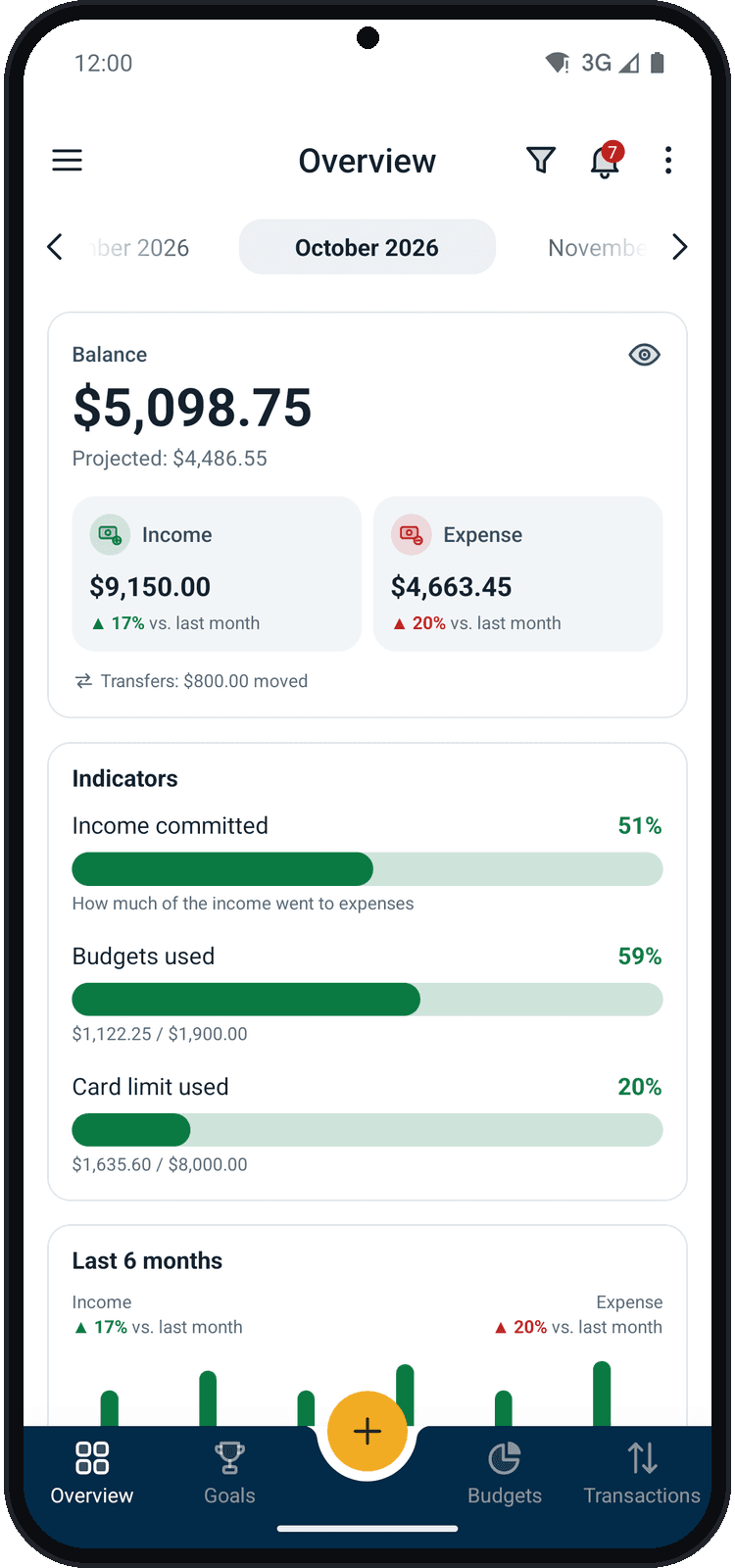
Balizar's home screen sums up your month: balance and projected, how much of your income is already committed, a comparison with the last months and where your money is going.
What you can do
- The month's balance, projected and income vs. expenses against last month
- Indicators: income committed, budgets and card limit used
- The last 6 months side by side and the chart by category
- Biggest expenses, wallet balances and goal progress
How to use it
- 1
Open Overview
It is the home screen of the app; from another screen, tap Overview in the bottom bar.
- 2
Choose the month
Use the arrows at the top to go to previous or next months.
- 3
Explore the month
Scroll down: indicators, the last 6 months and, in the Incomes and Expenses tabs, the chart by category.
- 4
Filter
Tap the funnel to see only one transaction type, one wallet or one tag.